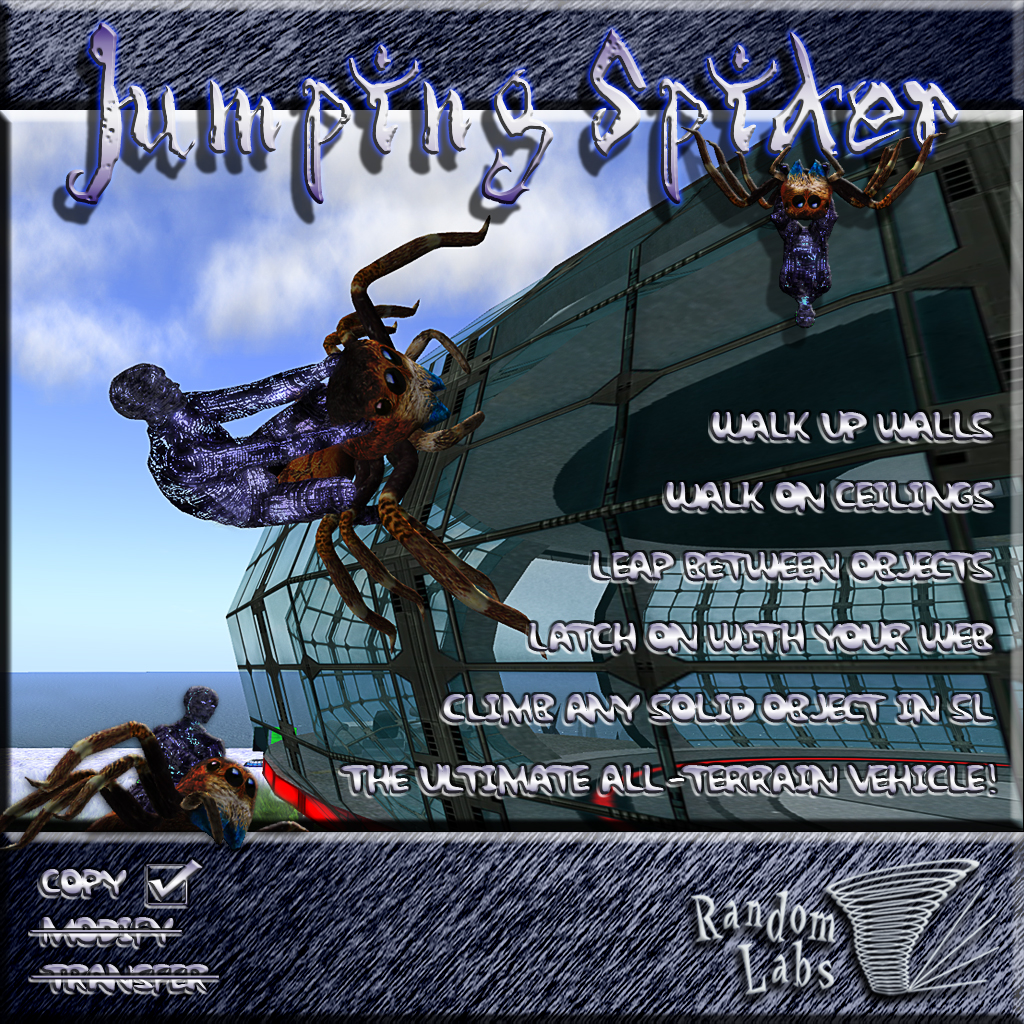
The Jumping Spider from Random Labs is capable of climbing any solid object in SL. It has a variety of sound effects and animations to add extra realism to your ride and can carry you and 1 passenger (if you allow it). Riding your spider is very easy, just rez it on the ground, right click it, and select "Ride Me!". Basic climbing is as easy as walking into an object. Your web will latch onto any object it hits and you'll be pulled toward it.
Options Menu
Before sitting on your Jumping Spider, clicking it will present a menu. Here you can turn the walk SFX volume up and down, allow or deny passengers and run a manual update check (also silently run every time you rez your Spider). This menu will only appear if you are not sat on the vehicle to avoid accidentally opening it when trying to jump.
Movement
** NOTE ** To use A, W, S, D, E & C for movement, you might want to go "Edit -> Preferences -> Text Chat" and select "Close chat bar after hitting return". This will take focus away from text entry after hitting return and allow you to move your avatar. If using viewer 2, go to "Me -> Preferences -> General -> Pressing Letter Keys" and select "Affects Movement".
Forward --- W or ↑
Backward --- S or ↓
Turn Left --- A or ←
Turn Right --- D or →
Side Step Left --- Shift+A or Shift + ←
Side Step Right --- Shift+D or Shift + →
Run --- While still holding the forward key, press the backward key for a moment to start running
Lean Back --- C or Page Down
Lean Forward --- E or Page Up
Jump --- Hold the left mouse button to build power (You will see an 8 stage "Jump Power" readout in local chat). Release left mouse to jump.
Cancel Jump --- Continue to hold the left mouse until your local chat "Jump Power" readout shows [ ]. At this point you can release to not jump, or continue to hold to start the jump power build up again.
Fire Web in Mouse Look --- Left Click Once (don't hold it down)
Fire Web out of Mouse Look --- Double Left Click
Cancel Web --- Left click (or double click) again
When in the air (Falling, jumping, or webbing
- Roll Left --- A or ←
- Roll Right --- D or →
Notes
- Jumping will not work while already in the air
- Side stepping is not possible when in mouselook
Tips
- Basic climbing is very easy, just point yourself towards a wall, and walk into it!
- You will only make a successful landing and stick to a surface if you land feet first! Use left and right and lean forwards and backwards while in the air to line up for your landing. A good one to practice is webbing on to a surface directly above you and leaning back as you move towards it to flip over for the landing. On a successful landing you will hear the object landing sound effect.
- It is possible to fall off of objects, especially if you move too quickly when climbing! As you approach a corner, use Page Up or E to lean forward... this will slow you down a little and "lean" you over the edge, helping to keep your grip. With practice you can do this quite quickly, but take corners slowly at first! If you fall or make a bad landing that results in a fall, the "Fall Cam" will activate and you'll see yourself falling away from the camera.
- Leaning back will help you get up onto objects with awkward angles and take upward corners more smoothly. Careful though, leaning back can also cause you to lose your grip when upside down! This can be used to your advantage though for making small "jumps" without actually using the jump button, and for making classy back-flip dismounts from objects :)
- Leaning back can also be used for a variety of stunts. Leaning back while running will usually result in a back-flip. With good timing, this can be used for leaping up onto low objects, or just for looking cool ;)
- When using your web to latch onto a fairly close object, you might want to lean back before firing, as this will help you be lined up ready for your landing before you even leave the ground.
- To enter Mouse Look, press M or scroll all the way in with your mouse wheel.
- Have fun and experiment! I've managed to pull off all sorts of trick landings and dismounts in my testing. Latching onto an object far away? Why not try leaning forward to pull off a forward flip before your landing! :)
Limitations
- Your vehicle will work if ridden in to a no-script area, but only if first sat on in a script enabled area!
- If you ride your vehicle in to a no-script area, the web will not work. This is because the prims it rezzes for the web need scripts to be running! This should be detected and you will be informed.
- Webs also won't work in No-Build areas